
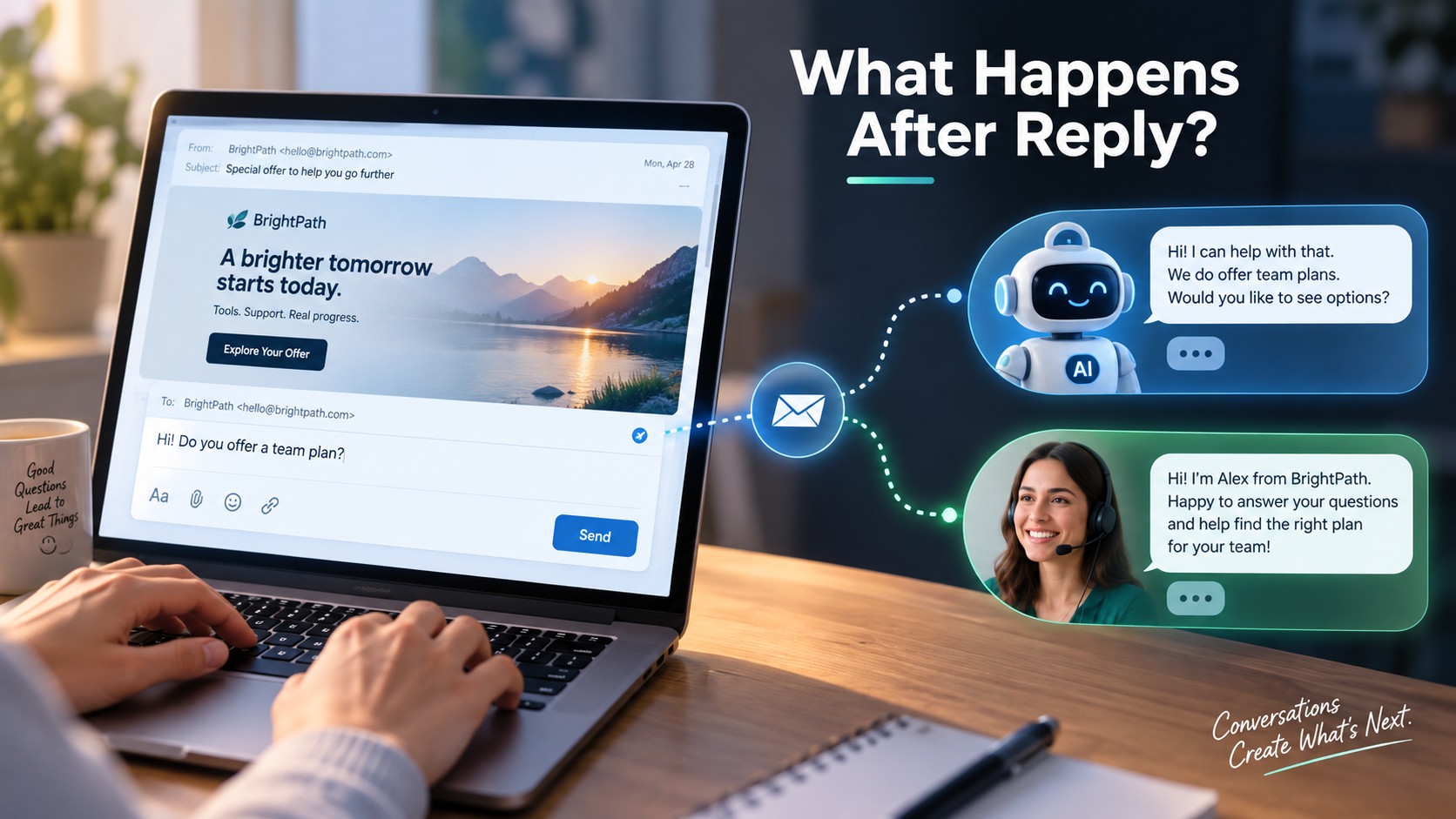
Quick Answer: After someone hits reply on a marketing email, the conversation can continue with an answer, follow-up question, action, or human handoff. A useful response depends on accurate information, clear ownership, and a process that helps the recipient get the clarification they need.
The Question Your Email Leaves Open
Email marketing can bring a prospect close to a decision while leaving one practical question unanswered. Your email campaigns might explain an offer clearly, yet readers still need to know how it fits their situation. A webinar invitation, for example, could leave someone wondering whether they have enough experience to follow the discussion.
They reply with a question, hoping for an answer that helps them decide. What happens next becomes part of their experience with your business. Someone still needs to handle the request after the campaign goes out.
Why Would Someone Reply in the First Place?
A reader might like your offer but hesitate over a detail you never considered. Perhaps your service sounds suitable, but they wonder whether your team supports their location. An existing customer might ask, “Does this offer apply to us, too?”
Those questions give you something specific to address. Click data can show link activity; a reply can explain what a reader still needs to know. You can then respond to their situation without expecting the original message to anticipate every possible question.
Replies also bring different priorities into view. Someone receiving an upgrade offer might need help with their current service before discussing anything new. Another person might ask to stop receiving messages. A useful response starts with recognizing what the person actually wants.
Where Email Marketing Goes After the Send
Once a reply arrives, the next step depends on the question. A straightforward request might need a short answer from an approved FAQ. A question about compatibility could require more details, while a discussion about custom pricing might belong with a sales representative.
Businesses can handle these exchanges through a managed inbox, with people taking responsibility for responses. As the volume grows, software can help sort requests and direct them to the right place. The process should give recipients a useful answer or a clear next step.
How AI Can Support Email Marketing Replies
AI can assist with interpreting a reply and preparing a response using information the business provides. Some systems also trigger a follow-up action or pass an inquiry to the appropriate person.
Salesforce offers one example through its Conversational Email feature. In a March 16, 2026, post, Salesforce confirmed general availability in its Spring ’26 release. Its documentation describes evaluating replies and routing conversations to AI agents or people within the same email thread. In 2023, 6sense had already described an assistant that managed email replies and routed conversations to sellers.
A Webinar Invitation Becomes a Real Exchange
Imagine you receive an invitation to a webinar about connecting industrial equipment. Your team is new to the subject, so you reply, “Would this be useful for beginners?”
A helpful responder checks the agenda and explains the session’s intended audience. They might identify an introductory discussion that addresses your situation or explain the knowledge the speakers expect. You now have something more useful than another copy of the registration link.
Then you ask, “Will the speakers cover the equipment we already have?” A broad session about older machinery does not necessarily cover your particular model or connection problem.
The responder could ask which equipment you mean and check with the event team. If the agenda cannot answer that question, an honest explanation helps you understand the session’s limits. You might register, choose another resource, or decide to ask a specialist. Each outcome gives you a clearer basis for your decision.
Good Answers Need Somewhere to Come From
A friendly response needs dependable information behind it. The person or assistant answering should know which invitation, announcement, or offer prompted the question. Otherwise, even a correct general answer could miss an important detail.
For an event, that information might include the agenda, prerequisites, and recording policy. For a service, it could include supported locations and the work your team actually provides. Salesforce documents using approved company content and campaign context to support generated responses.
When details remain undecided, the response should explain that. If your team has not decided whether to share a recording, an assistant should not promise one. The same principle applies to actions. Saying “You’re registered” should follow a completed registration, and a promised follow-up needs someone responsible for delivering it.
Who Picks Up the Conversation?
A campaign might begin in marketing and produce a question that only another team can answer. Your event organizer may need to confirm a session detail, while support handles an existing customer’s problem. The recipient needs a clear path to the person who can help.
That handoff works better when the next person receives the original question and the details already shared. A technical specialist should not need to ask again for an equipment model the prospect supplied earlier. The conversation history should also show which issue remains unresolved.
Human involvement forms part of Salesforce’s documented setup. The company requires businesses to configure human escalation before enabling its conversational email capability. Its guidance includes complex inquiries and explicit requests for human assistance among the reasons for a handoff.
Clear ownership helps your team decide who responds and what the recipient can expect while waiting.
More Replies Are Only Part of the Picture
An email marketing report might show plenty of replies, but the messages deserve a closer look. Did someone receive an accurate answer, reach the appropriate person, or complete a relevant next step?
A busy inbox can also contain automatic responses, repeated questions, and unresolved complaints. A higher reply rate alone does not demonstrate more registrations or sales; that claim needs evidence from campaign results.
The questions can also help you improve future messages. If several people ask whether a webinar requires technical experience, the invitation may need a clearer audience description. Those replies offer useful feedback, although they represent only the people who chose to respond. Answering them today could reveal what your next campaign should explain more clearly.
Conclusion: Make Room for the Next Question
The next person who replies to your campaign may need one small clarification before deciding what to do. Your response can help them understand whether the offer fits, what remains uncertain, or who can explain the details. Planning for that moment gives the reply a place in the experience you create for your audience.
Contact us if you’d like to learn how email marketing can support more useful conversations with your audience.
Sources:
How to Build Conversational Email Strategies | salesforce.com
6sense Unveils Generative AI Email Writing Feature That Generates Pipeline | 6sense.com
Trust and Compliance in Conversational Email | help.salesforce.com
Configure the Human Rep Escalation Experience | help.salesforce.com
0 comments